
Have you ever been seconds away from buying something on your iPhone, only to give up because checkout suddenly felt like a chore?
Most people have, even if they don’t remember the exact purchase. What they remember is the feeling. They were interested. Ready to buy. Then something slowed them down.
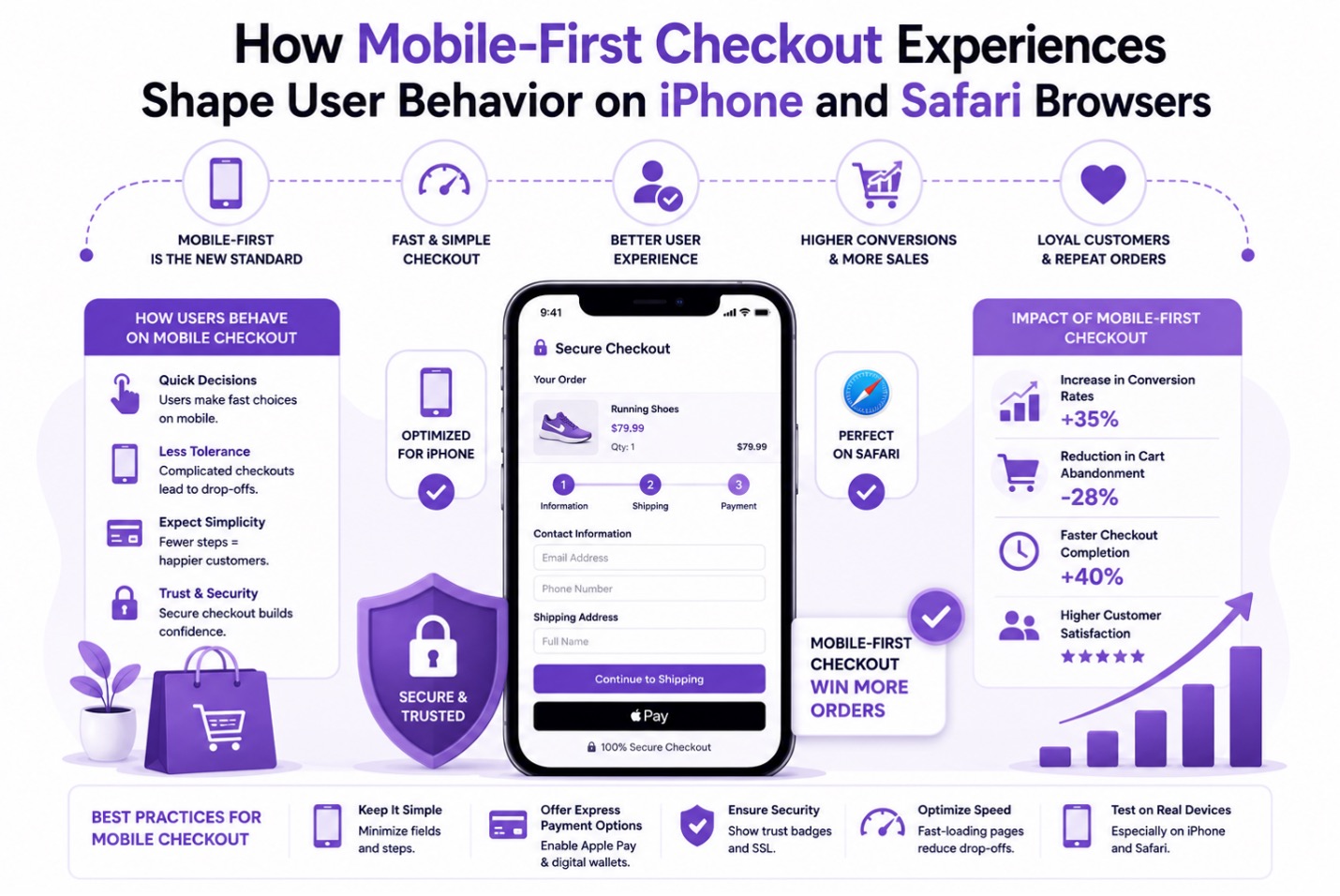
A form that seemed endless. A page that took too long to load. A payment process that felt oddly complicated for a device designed around simplicity.
That’s where the conversation around mobile checkout gets interesting. The biggest changes in online shopping haven’t come from dramatic redesigns or flashy features. They’ve come from small reductions in effort. Tiny moments where friction disappeared.
For iPhone users browsing through Safari, those moments matter more than many brands realize. The way checkout flows are structured influences not only whether people complete a purchase, but also how they behave, how much patience they have, and what they expect from every online store they visit afterward. The technology is part of the story. Human behavior is the bigger one.
Shopping on an iPhone Happens in the Gaps of Everyday Life
Desktop shopping often feels intentional. Mobile shopping feels spontaneous. That’s an important difference.
It is common to see people complete purchases while moving between appointments, commuting, or handling other daily activities. A checkout process that requires account creation, multiple forms, or manual card entry can easily disrupt that moment.
Postponed usually means forgotten. This is one of the defining characteristics of mobile behavior. Interest can disappear quickly. Not because the shopper changed their mind, but because something else demanded attention.
A text message arrives. The train reaches the station. The coffee order is ready. The moment is gone. Mobile-first checkout experiences recognize that reality.
Safari Users Tend to Have Less Patience for Friction
This isn’t necessarily because Safari users are different people. It’s because they’re using an ecosystem that has conditioned them to expect smooth interactions.
Think about everyday iPhone experiences. Unlocking the device is fast. Apps launch quickly. Payments happen with a glance. Passwords autofill automatically.
The entire environment is designed to remove effort. Then a shopper lands on a checkout page that asks them to pinch and zoom, manually enter information, or fight with dropdown menus. The real issue is that the experience violated an expectation they didn’t even realize they had. That’s often enough to stop a purchase.
Speed Doesn’t Just Improve Performance. It Preserves Intent.
A lot of discussions around page speed focus on technical metrics. Milliseconds. Load times. Performance scores. Those things matter, but not for the reasons many people think. The real impact is psychological. Imagine someone discovers a product they’ve been considering for weeks. They finally decide to buy.
They’re committed. They tap the checkout button. Everything loads immediately. The purchase continues naturally. Now imagine a delay. Three seconds. Maybe four. Suddenly, their attention shifts. They check a notification. Switch tabs. Open another website. The buying momentum weakens.
Apple Pay Changed More Than Payment Processing
Most conversations about Apple Pay focus on convenience. That’s only half the story. The bigger shift was trust. Before mobile wallets became mainstream, checkout often felt like paperwork. Users had to find a card, type information carefully, and hope they didn’t make a mistake.
Every step introduced a tiny amount of uncertainty. Apple Pay removed much of that friction. The process feels familiar because it’s already woven into everyday life. People use it at grocery stores, restaurants, pharmacies, and coffee shops.
By the time they encounter it online, they already trust it. That familiarity matters. Instead of asking shoppers to complete a transaction, the experience asks them to confirm a decision they’ve already made. There’s a subtle difference between those two things. But behaviorally, it’s enormous.
Trust Is Built Through Details Most People Never Notice
Users often can’t explain why they trust one experience more than another. They know they do. A clean layout feels safer.
Buttons that respond instantly feel more reliable. Consistent spacing creates confidence. Properly functioning autofill reduces anxiety. None of these elements seems particularly significant on its own. Together, they’re powerful.
People abandon legitimate websites because something felt slightly off. A form field behaved strangely. Text overlapped on mobile. The page jumped while loading.
No security issue existed. Yet trust disappeared anyway. That’s the challenge with mobile checkout. Trust isn’t built through one feature. It’s built through dozens of small signals working together.
Why Simplicity Wins More Often Than Complexity
There’s a tendency to assume shoppers want more options. More information. More choices. More control. Sometimes they do. At checkout, usually not.
By that stage, most users have already completed the hard part. They’ve evaluated products, compared alternatives, and decided what they want.
Now they want progress. Every additional step competes with that desire. This is why streamlined purchasing experiences continue gaining attention across eCommerce.
Whether it’s a shortened flow, an accelerated payment method, or a feature such as WooCommerce Quick Buy, the underlying idea remains the same: remove unnecessary barriers between decision and completion.
Interestingly, shoppers rarely describe these experiences as “efficient.” They describe them as easy. And easy is often what people are really searching for.
Quiet Influence of Face ID
One of the most overlooked changes in mobile behavior might be Face ID. Not because it’s technologically impressive. Because it feels effortless.
Think about traditional authentication for a moment. Passwords interrupt flow. They force people to stop, remember information, and perform a task unrelated to their goal. Face ID changes the interaction entirely. The verification process almost disappears. You glance at your phone. The action continues.
That seamless transition helps maintain momentum throughout checkout, reducing opportunities for hesitation or frustration. Most users never consciously think about it. Their behavior reflects it anyway.
Expectations Have Changed Faster Than Many Websites
A checkout experience that felt modern five years ago can feel surprisingly outdated today. That’s not because people suddenly became impatient. It’s because their standards evolved.
Every smooth mobile interaction raises expectations for the next one. Every effortless payment makes cumbersome forms feel more frustrating. Every instant checkout makes delays feel longer.
Consumer behavior isn’t changing in isolation. It’s responding to experiences people encounter every day across their devices. The bar keeps moving. Users move with it.
The Bottom Line
The most effective checkout experiences on iPhone and Safari aren’t necessarily the most advanced. They’re the ones that feel invisible. They don’t demand extra effort. They don’t interrupt momentum. They don’t force users to think about the checkout process itself.
Instead, they quietly support the decision that’s already been made. That’s what makes mobile behavior so fascinating. People aren’t just responding to products anymore. They’re responding to experiences. To speed. To trust. To convenience. To how smoothly a website fits into the rhythm of their day.
Increasingly, those factors determine whether a purchase happens at all. Not because shoppers are impatient. Because their expectations have evolved.
you liked this article, please consider sharing it with your friends and leaving a comment below. Also, don’t forget to “Like” us on Facebook and add the Apple Tech Talk channel to your Apple News app.
Steve David
Steve David is a Writer at TheCodeFish with 1 year of experience in content writing and digital marketing. He focuses on creating clear, SEO-friendly content related to digital marketing and eCommerce best practices, helping businesses improve their online presence and performance.




Leave a Comment
You must be logged in to post a comment.